Table of Contents
- Why Viper SmartStart fits Chicago driving
- Core features you’ll use every day
- Viper SmartStart Chicago: best use cases
- Phone + fob together: the ideal combo
- Security add-ons that pair perfectly
- Installation: what to expect at Z Tech
- Setups for different vehicles and lifestyles
- Battery, data, and app tips for smooth use
- Bundle ideas with tint, PPF, and more
- Service areas near Chicago, Naperville, and Countryside
- Next steps
- FAQs
Why Viper SmartStart fits Chicago driving
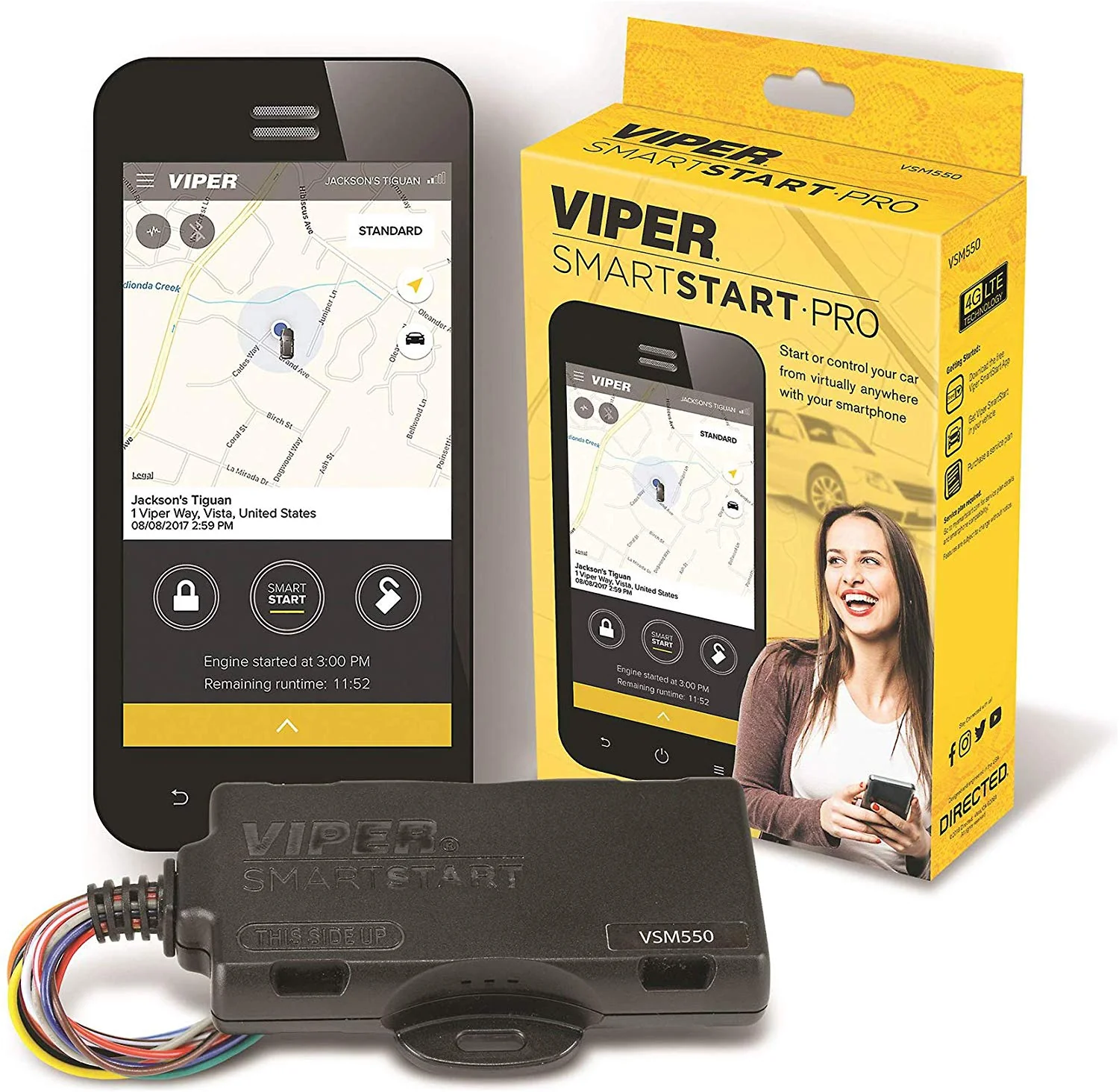
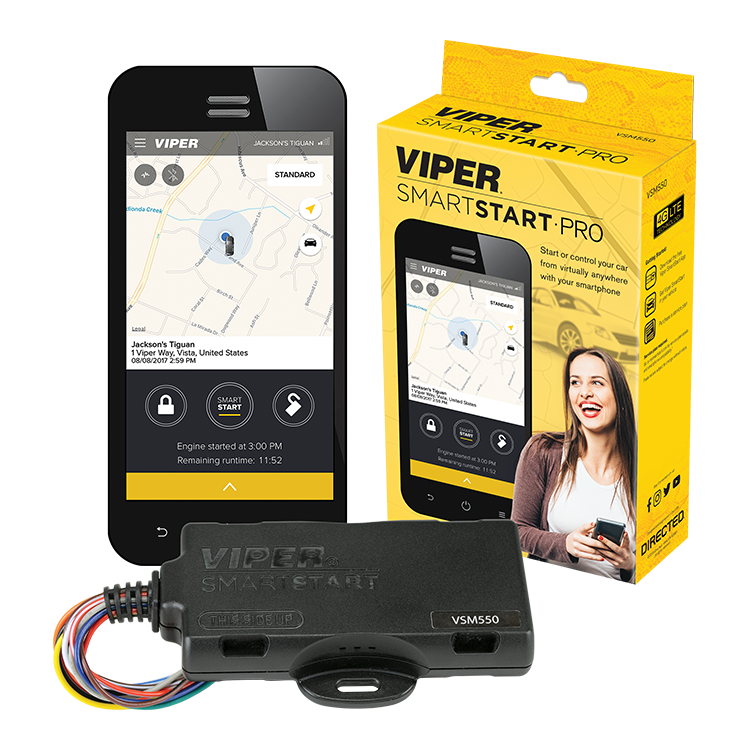
Elevators, concrete, and distance are the usual killers of traditional remotes. Viper SmartStart Chicago solves that by sending commands through the app using cellular data. You get:
- True long-range control for high-rises, hospitals, campuses, and stadium lots
- Winter-ready convenience so the cabin is warm and glass defrosted before you walk out
- Anytime peace of mind with lock, unlock, and status at your fingertips
- Shareable access so family members or trusted friends can use their phones too
Browse remote start options:
Here’s what matters: SmartStart turns your phone into the control you always have with you—perfect for downtown parking and suburban commutes.
Core features you’ll use every day
A Viper SmartStart Chicago setup can include:
- Remote start/stop with adjustable runtime for cold mornings and hot afternoons
- Lock and unlock commands with instant confirmation
- Trunk/slide-door control where supported
- Status checks (engine run, doors locked) at a glance
- Notifications for successful commands and (with security) alert events
- Multiple-vehicle support inside the same app profile
- Shared access for family members without passing a fob
Want the comfort plus the backup fob. We’ll help you choose the right mix of app control and handheld range.
Explore packages and scheduling:
Viper SmartStart Chicago: best use cases
Where Viper SmartStart Chicago shines:
- Apartment and condo living
Start from the elevator or lobby and walk to a warm cabin without waiting outside. - Hospital, university, and office towers
Concrete and distance won’t stop SmartStart the way they can limit standard fobs. - Event parking
Heading back after a concert or game. Start from the gate so the car is ready when you arrive. - Family logistics
Share app access so another driver can unlock or start when schedules overlap.
What this means: your phone becomes the key to everyday comfort and convenience across the city and suburbs.
Phone + fob together: the ideal combo
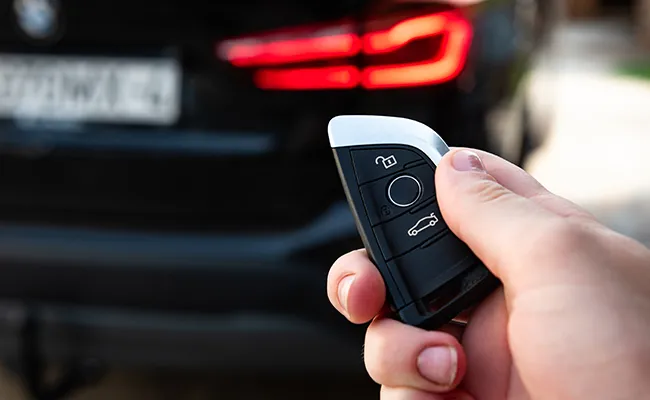
We recommend pairing SmartStart with a two-way fob. Why.
- Near the vehicle: one-click response without opening the phone
- Far from the vehicle or through concrete: use the app’s cloud connection
- Confirmation both ways: haptic or icon feedback from the fob, push notifications from the app
Now here’s the thing: combining both covers nearly every scenario you’ll face in Chicago weather and parking.
Security add-ons that pair perfectly
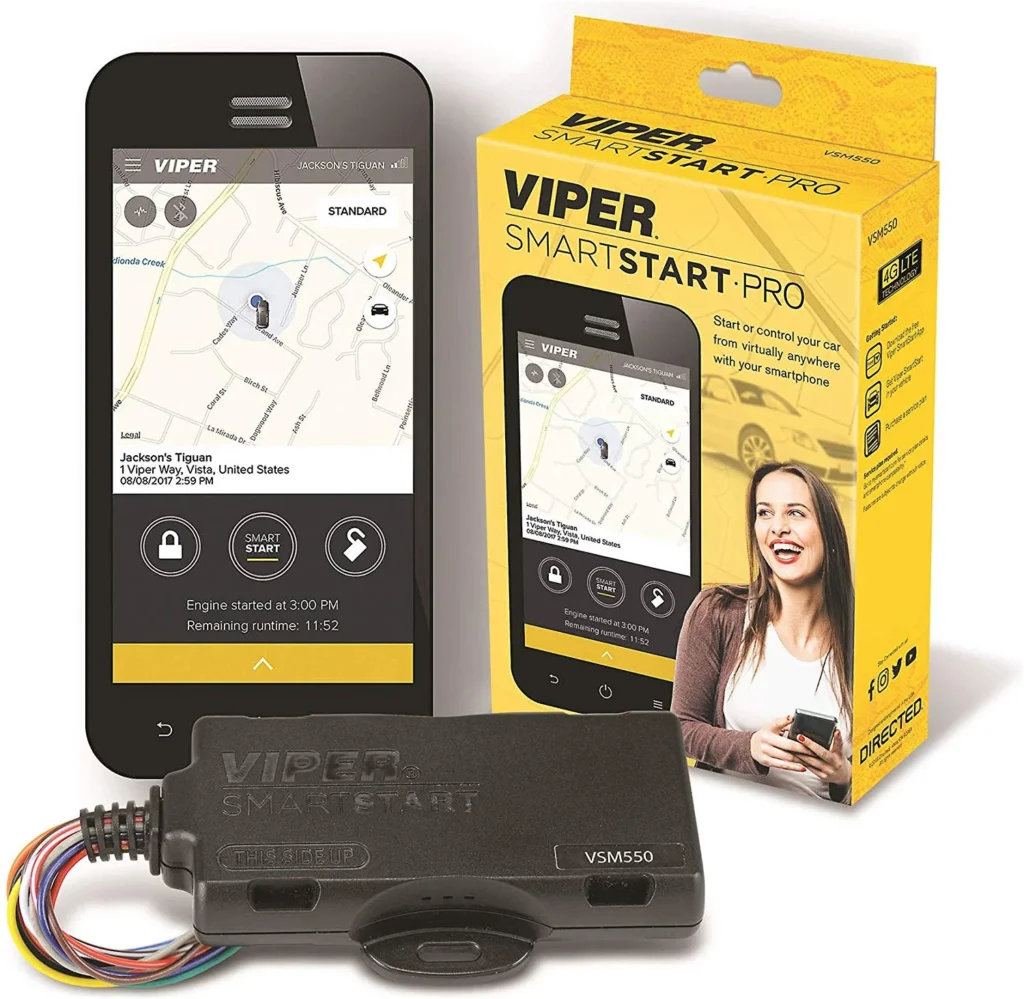
SmartStart gets even better with integrated security. Consider these upgrades while the panels are open:
- Shock and tilt sensors to deter wheel theft and tampering
- Glass break sensing for smash attempts in city lots
- Siren and two-way alerts so your phone tells you what triggered
- Proximity sensor tuning for vehicles parked curbside overnight
- Trunk and hatch triggers to monitor cargo areas
See security options:
Bottom line: one integrated system is simpler than running separate gadgets and apps.
Installation: what to expect at Z Tech
A clean install is what makes Viper SmartStart Chicago feel factory. Here’s our process:
1) Vehicle consultation and compatibility
We confirm your year, trim, key type (push-button or standard), transmission, and any factory security. We also map where you park and how you plan to use SmartStart.
2) Interior protection and disassembly
We cover seats, trim, and sills. Panels are removed carefully to access harness routes and pass-throughs.
3) Data interface programming
We pair a vehicle-specific interface so locks, immobilizer, and factory security behave properly. This preserves OEM features and helps avoid false triggers.
4) Clean wiring and power
Loomed harnesses, proper fusing, and factory grommets keep everything quiet and serviceable. We avoid quick-tap shortcuts.
5) Antenna and indicator placement
We place the antenna for reliable range on the fob side and mount discreet indicators where they’re visible yet low key.
6) App setup and testing
We help you install the Viper app, create your account, pair the vehicle, and confirm remote start, lock/unlock, and notifications.
7) Safety checks and training
We verify hood, brake, and door interlocks, demonstrate takeover steps, valet/service mode, and review simple troubleshooting.
Ready to plan your install.
Here’s what matters: careful integration means fewer gremlins and a system you actually enjoy using.
Setups for different vehicles and lifestyles
Viper SmartStart Chicago can be tailored to how you drive.
- Daily commuter (sedan/SUV)
SmartStart + two-way fob, simple lock/unlock, defrost triggers where supported. - Family hauler
Add sliding door or hatch control, shared app access for a second driver, and headlight confirmation for busy pickup lanes. - Work truck
Include security sensors, brighter parking light flashes, and a clear antenna location that works with tool racks. - EV or hybrid
Many platforms can trigger climate preconditioning or accessory states even when “engine start” doesn’t apply. We’ll outline what your model supports. - Manual transmissions
Select systems support “reservation mode.” You follow a short parking sequence so the module knows the vehicle is left in neutral with the brake set.
The real question is your routine. We’ll size features to match, not overload you with buttons you won’t use.
Battery, data, and app tips for smooth use
Keep Viper SmartStart Chicago feeling effortless:
- Remote fob battery: replace proactively when confirmations feel weak.
- Phone app: enable notifications and keep your login current.
- Data coverage: commands rely on cellular service. If coverage drops, your two-way fob still works nearby.
- Valet/service mode: use it before dealer visits to simplify tech workflows.
- Seasonal check: we can retune runtime, defrost triggers, and sensitivity ahead of winter.
Have questions later. We’re happy to walk through settings at your first seasonal detail:
Bundle ideas with tint, PPF, and more
While we’re installing Viper SmartStart Chicago, many owners bundle practical upgrades:
- 3M Window Tint for glare and heat control without signal interference
? Window Tint • Tinting - 3M Paint Protection Film on door edges, trunk ledge, and the front end to stop chips and scuffs
? Paint Protection Film • Our Services: Paint Protection Film - Ceramic Coating so winter cleanup is fast
? Ceramic Coating - Car Alarm & Security Systems with shock, tilt, and glass sensors
? Car Alarm & Security Systems
What this means: one coordinated visit gives you comfort, protection, and a clean, integrated setup.
Why choose Z Tech Window Tinting
Z Tech Window Tinting is a trusted, family-owned shop serving Chicago’s west suburbs since 1975. We install Viper SmartStart systems with:
- Factory-style wiring and tidy harness routing
- Vehicle-specific data interfaces for reliable integration
- Hands-on app setup and training so you leave confident
- Two convenient locations and strong product and service support
Naperville, IL
- 1572 W Ogden Ave, Naperville, IL 60540 — (630) 355-9555
Countryside, IL
- 9825 W 55th St #D, Countryside, IL 60525 — (708) 354-9555
Hours: Mon to Sat 8:30 AM to 5 PM
Plan your system:
Viper Remote Starters • Starters & Security • All Services
Service areas near Chicago, Naperville, and Countryside
We install and support Viper SmartStart Chicago systems for drivers across:
- Naperville, IL
- Countryside, IL
- Aurora, IL
- Bolingbrook, IL
- Downers Grove, IL
- Hinsdale, IL
- La Grange, IL
- Lisle, IL
- Plainfield, IL
- Romeoville, IL
- Willowbrook, IL
- Oswego, IL
Next steps
Ready to put Viper SmartStart Chicago convenience on your phone.
- Call Naperville at (630) 355-9555 or Countryside at (708) 354-9555
- Or schedule at https://www.ztechnaperville.com/contact-us to choose features, confirm compatibility, and book installation
We’ll map your parking routine, tune runtime and alerts, and deliver a clean, reliable SmartStart setup that fits Chicago life.
FAQs
1) Does Viper SmartStart work underground or in dense concrete
Commands rely on cellular data. If your phone has coverage, SmartStart can reach your vehicle. Your two-way fob still handles nearby starts when service is limited.
2) Will SmartStart interfere with my factory keyless system
No. We integrate with data interfaces that preserve OEM functions. Your factory fob continues to lock and unlock as usual.
3) Is SmartStart compatible with push-button start vehicles
Yes, many models are supported. We confirm details at check-in and outline any model-specific steps.
4) Can I share the app with family members
Absolutely. You can authorize additional users so they can start and unlock using their own phones.
5) What happens if the app says the command failed
Check cellular coverage and try again. If the app can’t reach the module, your two-way fob still works locally.
6) Can you enable heated seats or rear defrost during remote start
On many vehicles we can trigger these features. We’ll verify support and set them up where available.
7) How do I put the system into valet or service mode
We’ll show you the quick steps at delivery and include a simple card in your glovebox. It makes dealer visits easy while keeping your settings safe.